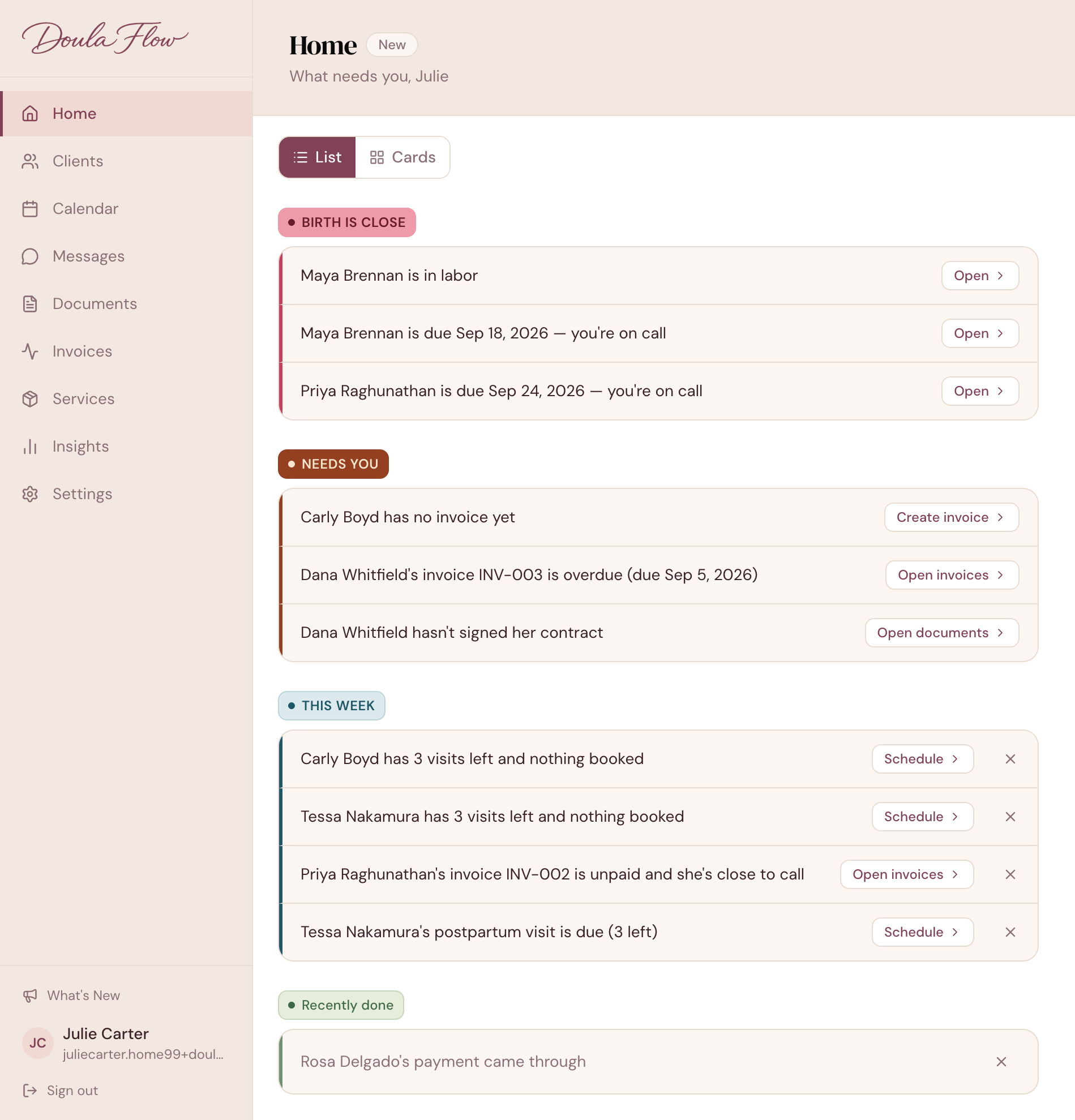
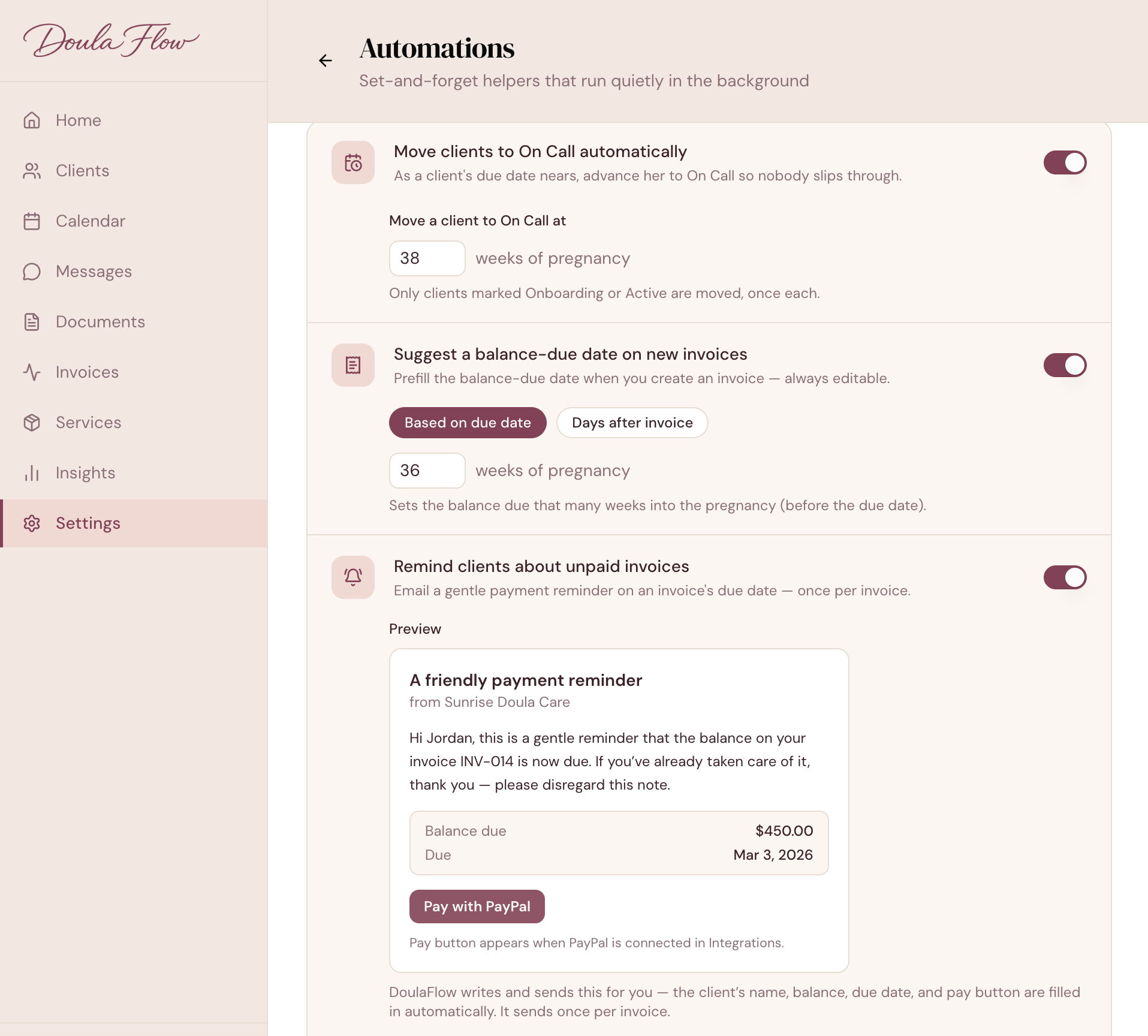
Move clients to On Call at the week you choose, fill in balance-due dates from each due date, and send one payment reminder when a balance falls due. Every switch starts off until you turn it on.
14 days free. No card needed. Cancel anytime.
Every client reaches on-call, and every balance falls due, on a different day. Keeping track by hand means a calendar full of notes to yourself, or a date that slips.
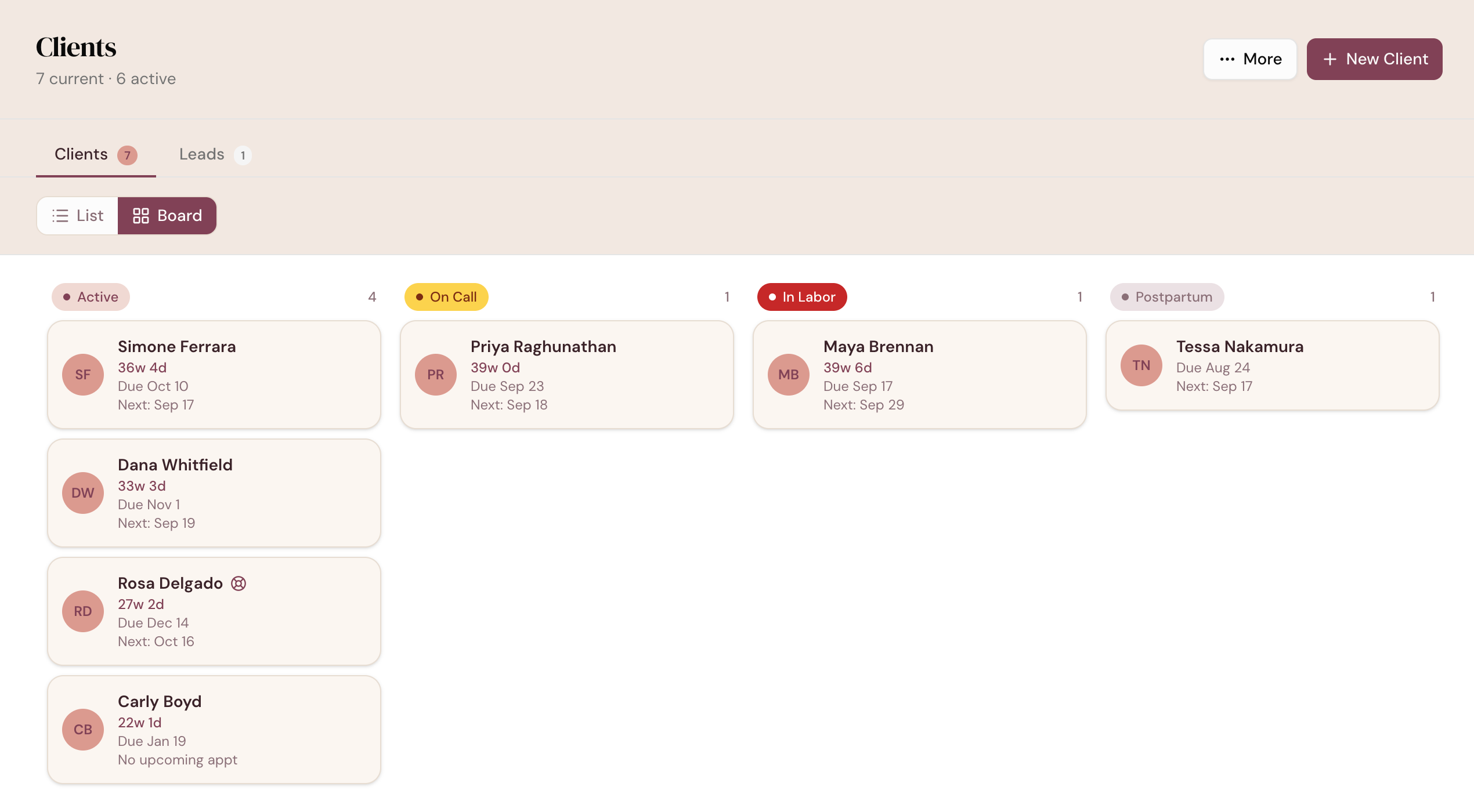
Once a day, DoulaFlow moves Onboarding and Active clients to On Call when they reach your week. 36 weeks is the default, and you can choose any week from 20 to 43.

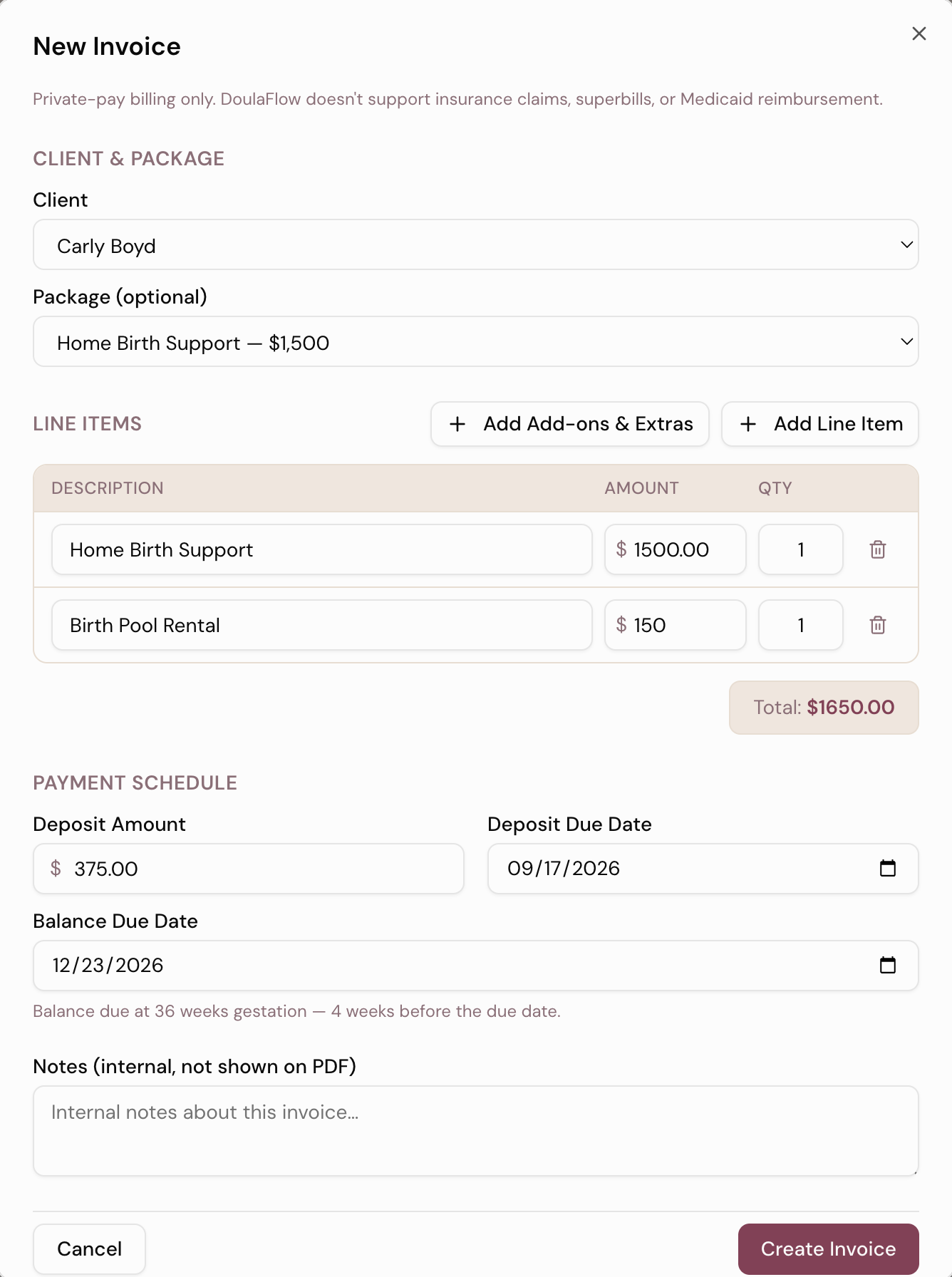
New invoices fill in the balance-due date at the week of pregnancy you pick, or a set number of days after you create the invoice.

On or after the balance-due date, DoulaFlow emails your client one reminder with her balance, plus your Pay button if you have one set up. Then it stops.
Tell DoulaFlow how soon after a birth you usually visit. Three days is the default. Home then shows the visit as due, and nothing is sent to your client.

Helpful in the background, never noisy.
Every switch starts off.
The on-call summary goes to you, never your client.
Every morning, for all your clients at once.
A stage you set by hand stays set.
Reminders carry your PayPal or Venmo button on paid plans.
Four clear settings, no workflow to design.
Every plan includes unlimited clients. You are never charged per client.
Clients pay you directly through your own PayPal or Venmo. DoulaFlow never touches the money.
Ask and we send you a copy of everything: your clients, documents and birth records.
Megan runs her own practice and has the final say on everything we build.
Month to month or yearly. Cancel whenever you like.
Two of us, in Chattanooga, read every message.
No. The three switches start off, and you turn them on in Settings, under Automations. The postpartum setting starts at three days, and it only changes what Home shows you.
No. DoulaFlow has a small set of automations built around a pregnancy: moving clients to On Call, suggesting balance-due dates, one payment reminder, and when a postpartum visit is due. There is no workflow builder or email sequence.
No. DoulaFlow does not send text messages.
No. Clients get a confirmation email when you book a visit, which you can turn off, but no reminder emails before a visit.
Only the payment reminder, and only if you turn it on. Moving to On Call, suggesting due dates and postpartum timing all stay inside DoulaFlow.
Automations work during your free trial too.
14 days free. No card needed. Cancel anytime.